Help Center
How to Export Data From Your Insights
In this tutorial, we'll show you How to Export Data From Your Insights.
- Log in to your Freedom Project account.
- Go to Insights.
- Click on the drop-down arrow under Site.
- Choose the Lead Capture you want to check.

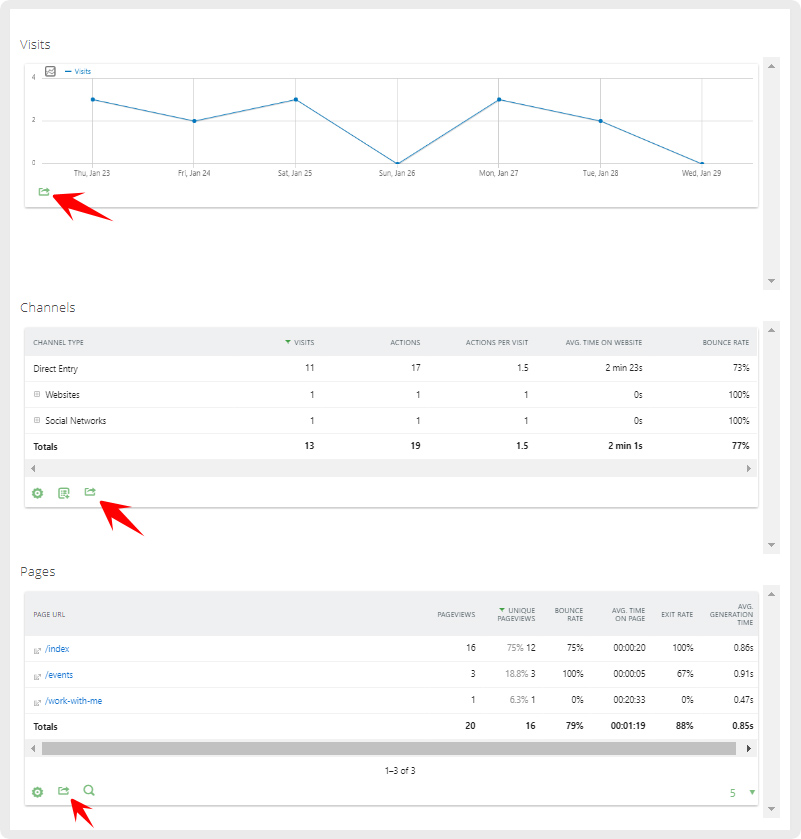
- You may export data from Visits, Channels, and Pages. Just click on the export button.
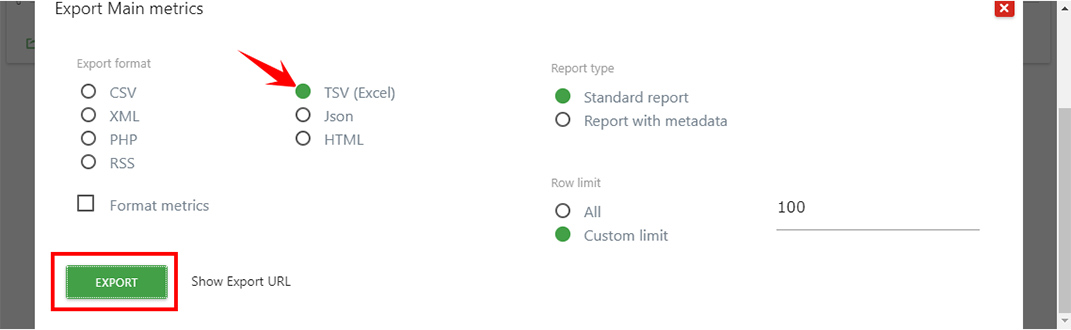
- After clicking on the export button, choose TSV (Excel). Click on Export.